

Updates & Announcements
Important reminders:
- Last week, SSL.com officially launched BIMI-compliant Verified Mark Certificates (VMCs). VMCs allows organizations to display their legally trademarked logo directly in email recipients’ inboxes, providing enhanced email authentication and brand protection. Available now in Gmail and soon in Apple Mail trust stores. Learn more about how VMCs can help your organization.
- C2PA sandbox testing environments are now live. Build, test, and validate your C2PA certificate issuance integration and signing workflows before your production launch. Contact our sales team today to learn how to get started.
- Since September 15, 2025, SSL.com has issued TLS server certificates without the Client Authentication EKU, aligning with Google Chrome’s Root Program Policy. Review our guide for Removal of the Client Authentication EKU from TLS Server Certificates.
- All remaining soft format code signing certificates from SSL.com will expire before June 1, 2026, and replacements in PFX format will no longer be available afterward. According to CA/Browser Forum rules, private keys must instead be stored on encrypted devices, FIPS-compliant HSMs, or cloud-based HSM services. See our guide for details.
CA/Browser Forum (CABF) Developments & Reminders:
- S/MIME Developments: Ballot SMC011 proposes allowing European Unique Identifiers (EUID) for EU/EEA organization validation.
- SSL/TLS Validity: The trend toward shorter certificate lifespans continues, reinforcing the importance of automation in certificate management. Learn more about how to prepare for 47-day certificate lifespans.
SSL.com Expands with VikingCloud Certificate Acquisition

SSL.com has acquired VikingCloud’s digital certificate business, expanding its global CA services. By taking action, VikingCloud customers can transition to the SSL.com portal without service disruption for 24/7 technical support and full access to SSL.com certificate management tools.
Existing VikingCloud certificates remain valid until Feb 27, 2026. Customers receive prorated credits, additional custom discounting, and guidance to activate new SSL.com accounts for continued trust and security.
WhatsApp Malware “Sorvepotel” Targets Brazilian Organizations
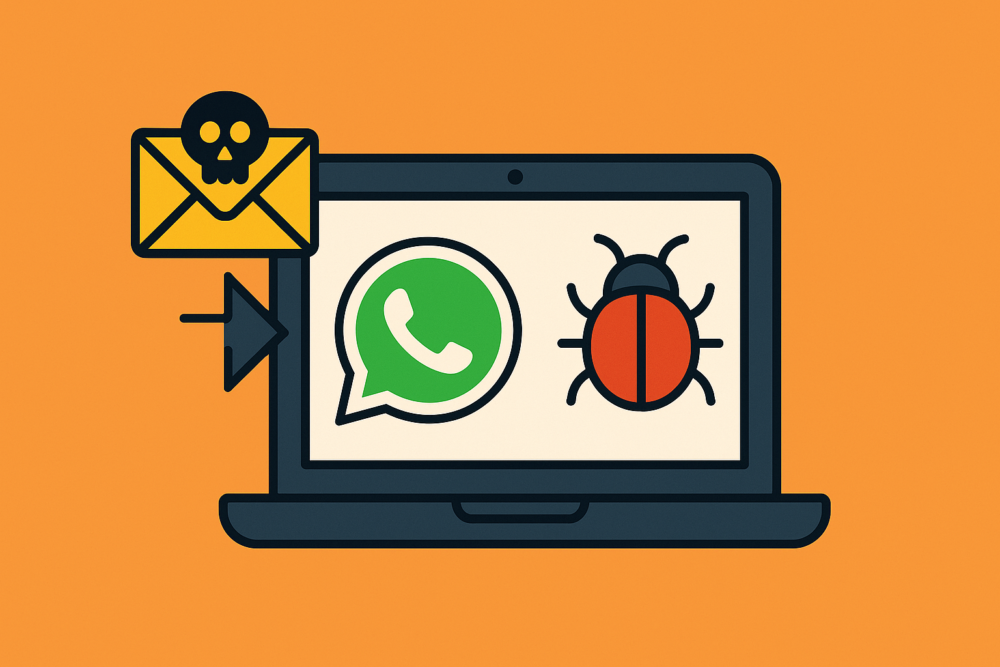

A new malware strain called Sorvepotel is spreading via WhatsApp messages in Brazil by tricking users into opening ZIP attachments disguised as legitimate documents. Once opened, it hijacks WhatsApp Web sessions and automatically spreads to contacts, primarily affecting government and enterprise systems. (The Record)
How to protect your organization:
- Restrict use of consumer messaging apps for internal communication, if possible.
- Train employees to avoid downloading attachments or links from unverified contacts.
- Implement email and web content filtering to detect suspicious archives and executable files.
Why it matters:
Impersonation attacks thrive on unverified digital content. SSL.com’s Document Signing Certificates provide verifiable proof of authorship and integrity for PDFs, contracts, and other sensitive materials, ensuring recipients can trust that files came directly from your organization.
Authenticate your files with SSL.com Document Signing Certificates
Fake “Inflation Refund” Texts Target New Yorkers


Scammers are impersonating the New York Department of Taxation and Finance via text messages offering “Inflation Refunds.” Victims are tricked into submitting personal and financial data via fake refund portals, resulting in identity theft and fraud. (Bleeping Computer)
How to protect your organization:
- Educate employees and customers about SMS-based phishing (smishing).
- Verify URLs and sender domains before entering any sensitive information.
- Deploy SSL/TLS certificates on all public-facing sites to authenticate your brand online.
Why it matters:
For government and regulated-industry leaders, digital trust must be scalable and auditable. SSL.com’s PKI and Digital Certificates for Government Services help public-sector agencies protect citizens’ data and ensure authenticity across digital systems.
Learn more about SSL.com PKI Solutions for Government
Silver Fox Targets Asia with Advanced Winos 4.0 Malware
A Chinese-linked group known as Silver Fox has expanded its Winos 4.0 malware campaigns to Japan and Malaysia. Using phishing emails with malicious PDFs and SEO poisoning, attackers deliver remote access trojans capable of disabling antivirus protections and stealing confidential data. (The Hacker News)
How to protect your organization:
- Implement multi-factor authentication (MFA) for all privileged accounts.
- Digitally sign internal software and update packages to prevent tampering.
- Use managed PKI solutions to centralize certificate issuance and revocation across global offices.
Why it matters:
Phishing thrives on unrecognized or spoofed senders. SSL.com’s Verified Mark Certificates (VMCs) make your emails unmistakable at first glance. Your verified logo appears next to your sender name, providing instant visual proof of authenticity and reinforcing brand trust.
Stand out and secure your email identity with SSL.com Verified Mark Certificates
Phishing Campaign Exploits LastPass “Death” Requests to Steal Password Vaults
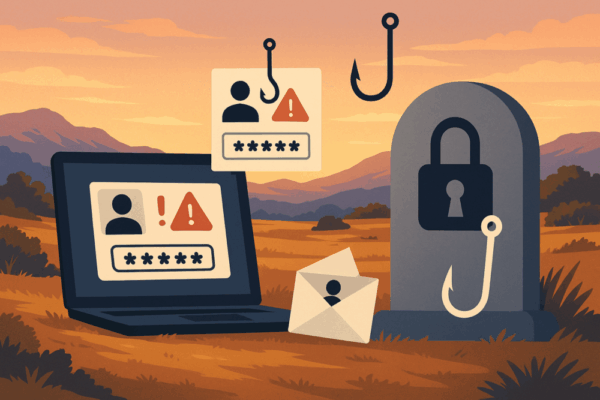
A phishing campaign impersonating LastPass is deceiving users with fake inheritance requests claiming a family member submitted a death certificate. The links lead to fake recovery portals that capture credentials and passkeys, compromising password vaults and cryptocurrency accounts. (Bleeping Computer)
How to protect your organization:
- Implement hardware-based or certificate-backed MFA instead of password-only authentication.
- Monitor for spoofed domains that imitate your organization’s brand.
- Use email signing certificates (S/MIME) to authenticate corporate communications.
Why it matters:
Strong authentication prevents credential theft. SSL.com’s Email Signing (S/MIME) Certificates ensure your organization’s communications are verifiable and tamper-proof, reducing phishing success rates.
Authenticate your email with SSL.com S/MIME Certificates
WestJet Breach Exposes Passenger Data: 1.2 Million Identities at Risk

Canadian airline WestJet confirmed that personal and travel data of 1.2 million passengers were stolen in a cyberattack linked to the Scattered Spider group. The stolen data included passport details, loyalty points, and government-issued IDs. (TechCrunch)
How to protect your organization:
- Encrypt sensitive customer data both at rest and in transit.
- Deploy client and server certificates for secure API and database communications.
- Limit data access by role and log all access attempts.
Why it matters:
Data protection now demands identity assurance at every access point. SSL.com’s Client Authentication Certificates add a powerful layer of identity-based protection by ensuring that only verified users and devices can access sensitive assets. These certificates can also integrate with Single Sign-On (SSO) solutions for seamless yet secure access control.
Enhance identity protection with SSL.com ClientAuth Certificates