


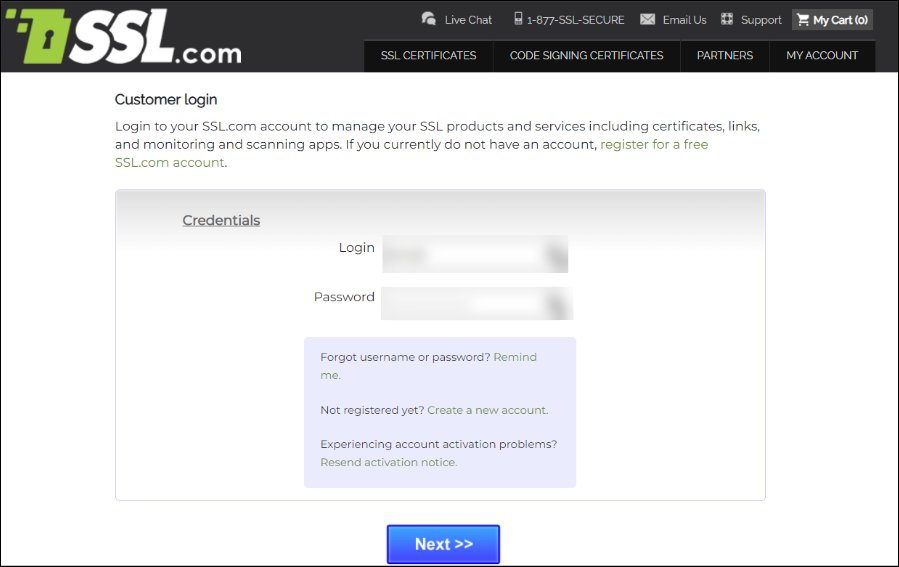
- Login to your SSL.com account.
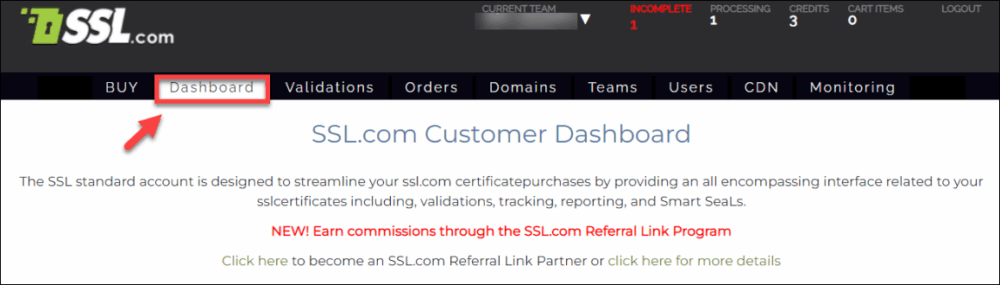
- Click the Dashboard link on the menu.
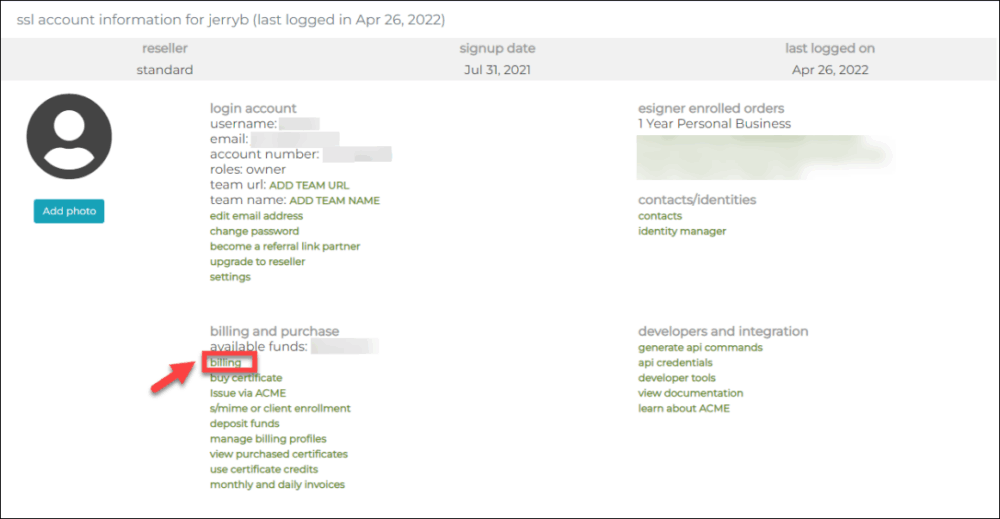
- Scroll down and click the billing link.
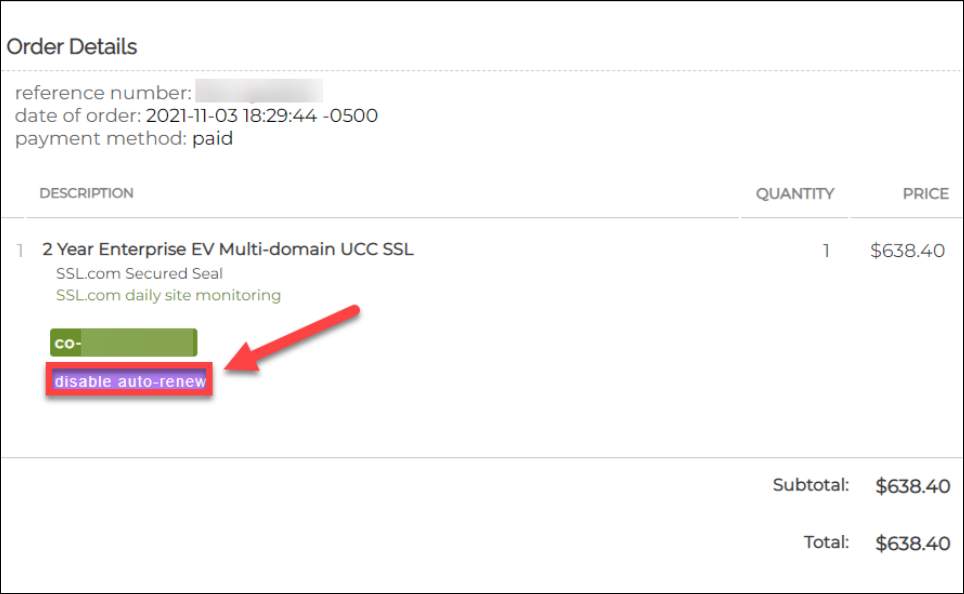
- Choose the order to be disabled for auto-renew.

- Click the disable auto-renew button.
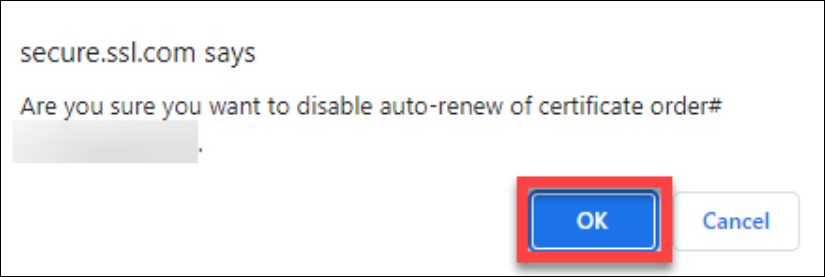
- When prompted to confirm the disable auto-renew action, click the OK button.
- Double check if disable auto-renew is successfully performed.
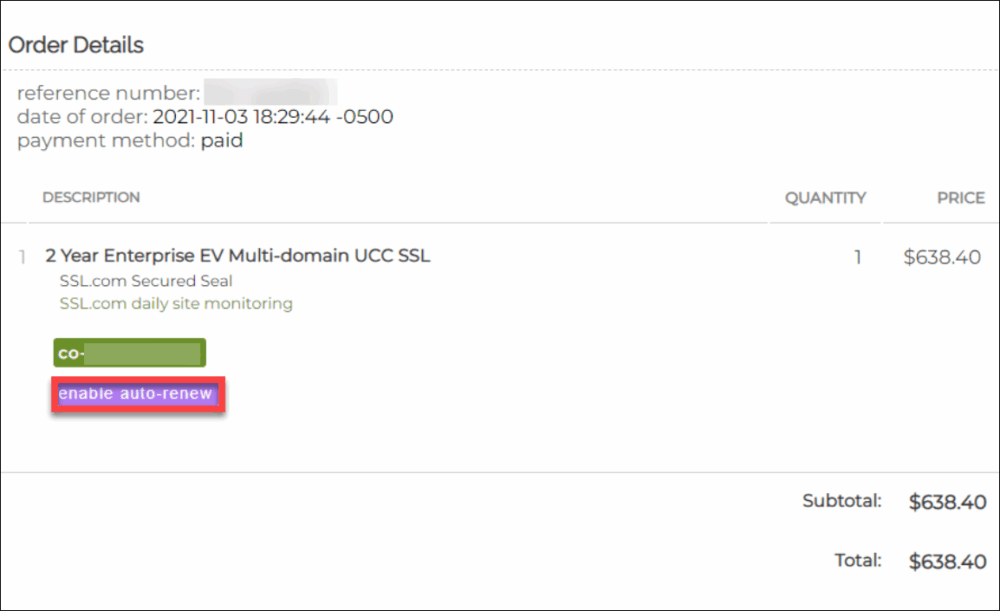
After being prompted to confirm the action, the disable auto-renew button will change to enable auto-renew. This indicates that you have successfully disabled auto-renew for your order.

